

Screenshots

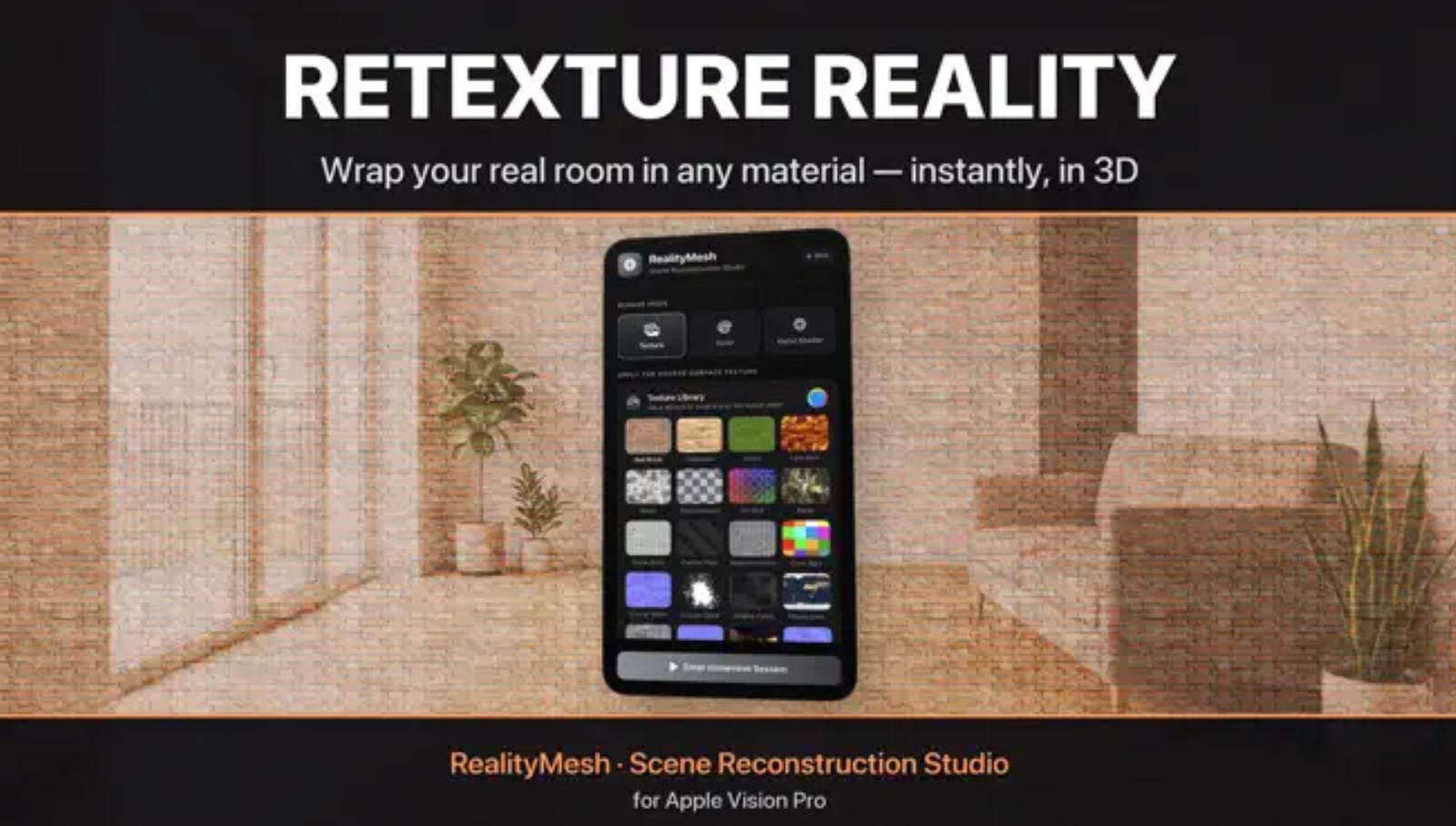
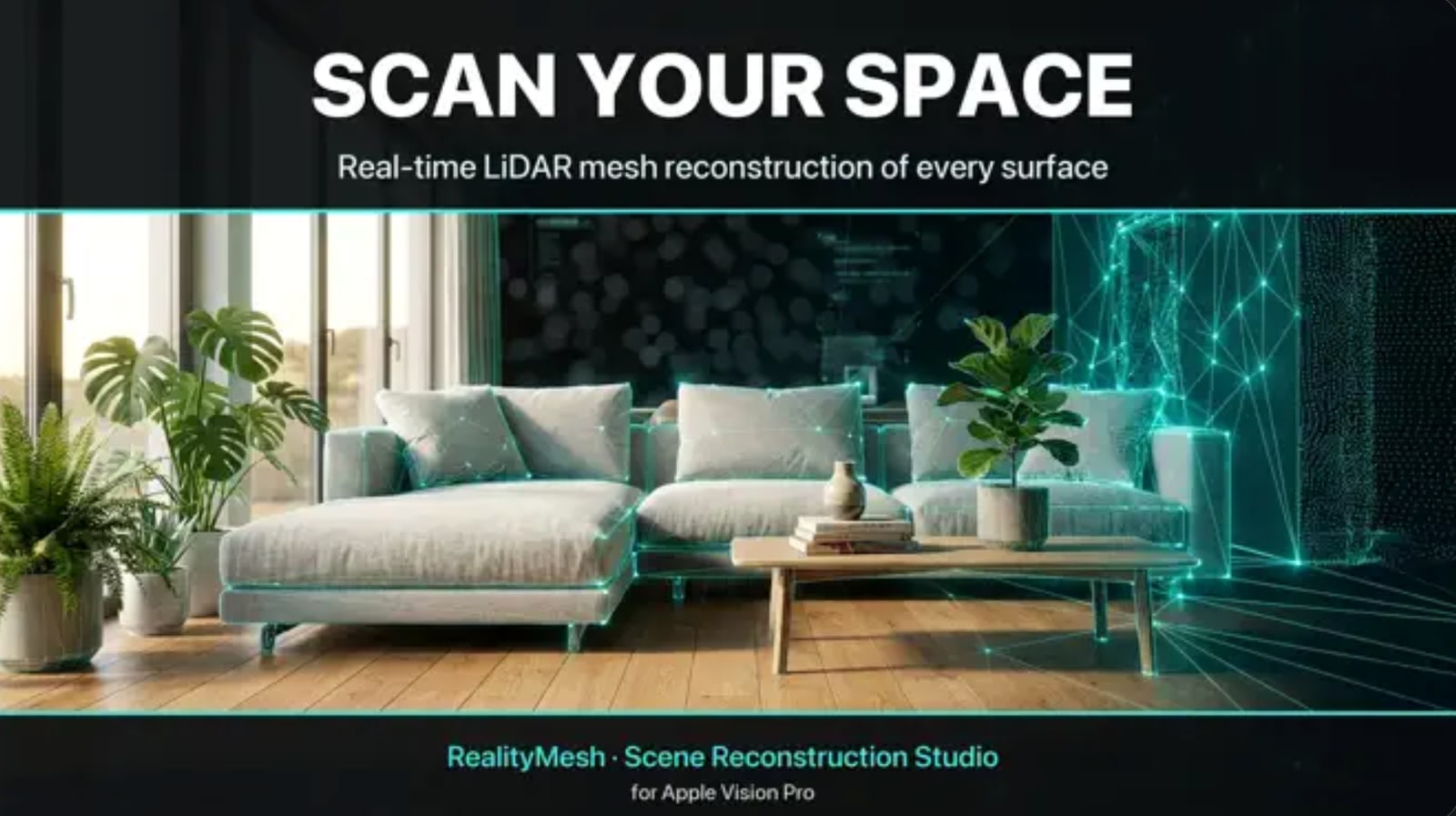
RealityMesh enables you to reimagine and reshape your world. screenshotRealityMesh enables you to reimagine and reshape your world. screenshot

Transform Your World with RealityMesh for Apple Vision Pro

Using the advanced capabilities of ARKit and the precision of the LiDAR Scanner, RealityMesh enables you to reimagine and reshape your world.

- Uses ARKit and LiDAR Scanner to build mesh of your surroundings to add customizable textures
- Preset library of textures
- Add your own images from your device

Developer

Are you the owner of this app?

Embed this badge and get a backlink to your website for increased visibility. Read more about the Featured Badge.


Apps for Apple Vision Dark Badge
Apps for Apple Vision Light Badge

Other apps you might like

StratoSync computes its sky and its sunlight in real time on Apple Vision Pro, and moves the live International Space Station through them.


Three environments are generated on the GPU while you look at them. Aurora flows in rivers of color. Star Nest opens into luminous depth. Dusty Nebula reveals a glowing field within a vast sea of stars. Each has its own live controls.


Begin in your own room, with Earth and the ISS in front of you. Walk around the globe and watch sunlight meet night along a boundary determined by the Sun's current position. Reveal Earth's 23.4° axial tilt and the orbital trail, or change the globe's rotation speed.


In Manual Control Mode, bring the ISS closer, resize it, and turn it in three dimensions. Move and scale Earth to find a comfortable view. Choose a generated environment for full immersion, or hide it to return to your room.


Follow the station's latest latitude, longitude, altitude, and speed in miles or kilometers. Between live updates, the 3D station's motion is estimated from recent observations, while the displayed numbers remain the latest real readings. Internet access is required for fresh ISS data.


Start SharePlay during a FaceTime call to follow the same ISS updates with others. Each participant controls their own view.


With a compatible tracked stylus such as Logitech Muse, add 3D annotations around the station. Drawing requires Manual Control Mode and works in Your Room, with generated environments off.


Optional location access lets you compare your position on Earth with the ISS and is used only while the app is in use. On supported devices, room-aware visual and spoken warnings can help when you approach a detected wall during full immersion; this does not replace visionOS safety guidance.


Come close. Look again. Follow the station, explore the changing skies, and see Earth from a new angle.

StratoSync

StratoSync computes its sky and its sunlight in real time on Apple Vision Pro, and moves the live International Space Station through them.

minimap turns the devices you already own into a live, holographic 3D map of your home — a real-time map you can see straight through. Set up spare phones or tablets as cameras, then watch people moving through your space appear as live 3D reconstructions on a floor plan you scan yourself, so you take in the whole place at a glance.


SEE YOUR SPACE
minimap is X-ray vision for your home. Each camera detects people in frame and streams a live depth reconstruction to your 3D floor plan.


FOR YOUR EYES ONLY
Your home stays yours. Live person data streams directly between your devices on your network, signed in to the same account — never via our servers.


HOW IT WORKS


- Scan a floor with your LiDAR-equipped phone or tablet

- Put a spare device in any room as a camera

- Open the map on any device and watch, live, in 3D


CLASSIC & SUPER
minimap CLASSIC is free: one camera, one floor. Upgrade to SUPER for up to three cameras and three floors — cover more of your home at once.


REQUIREMENTS
Floor scanning needs a Pro device with LiDAR. Camera mode needs a spare device with a camera. All devices must be signed in to the same account on the same local network.


minimap SUPER is an auto-renewing subscription, available monthly or annually.


Payment will be charged to your Apple Account at confirmation of purchase. The subscription automatically renews unless canceled at least 24 hours before the end of the current period. Your account will be charged for renewal within 24 hours before the end of the current period. You can manage and cancel your subscriptions in your App Store account settings after purchase. Any unused portion of a free trial period, if offered, is forfeited when you purchase a subscription.


Terms of Use (EULA): https://1984.dev/minimap-Terms.html
Privacy Policy: https://1984.dev/minimap-Privacy.html
Lifestyle

minimap: Home 3D Camera

minimap turns the devices you already own into a live, holographic 3D map of your home — a real-time map you can see straight through.