


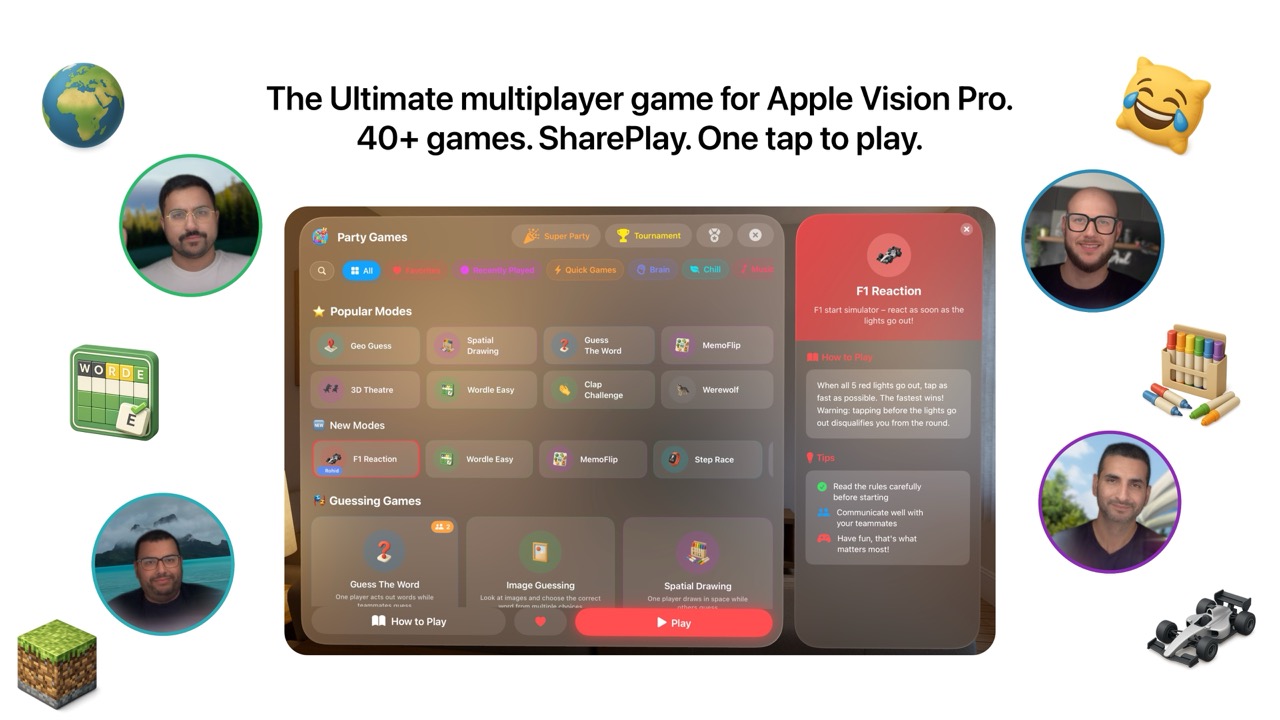

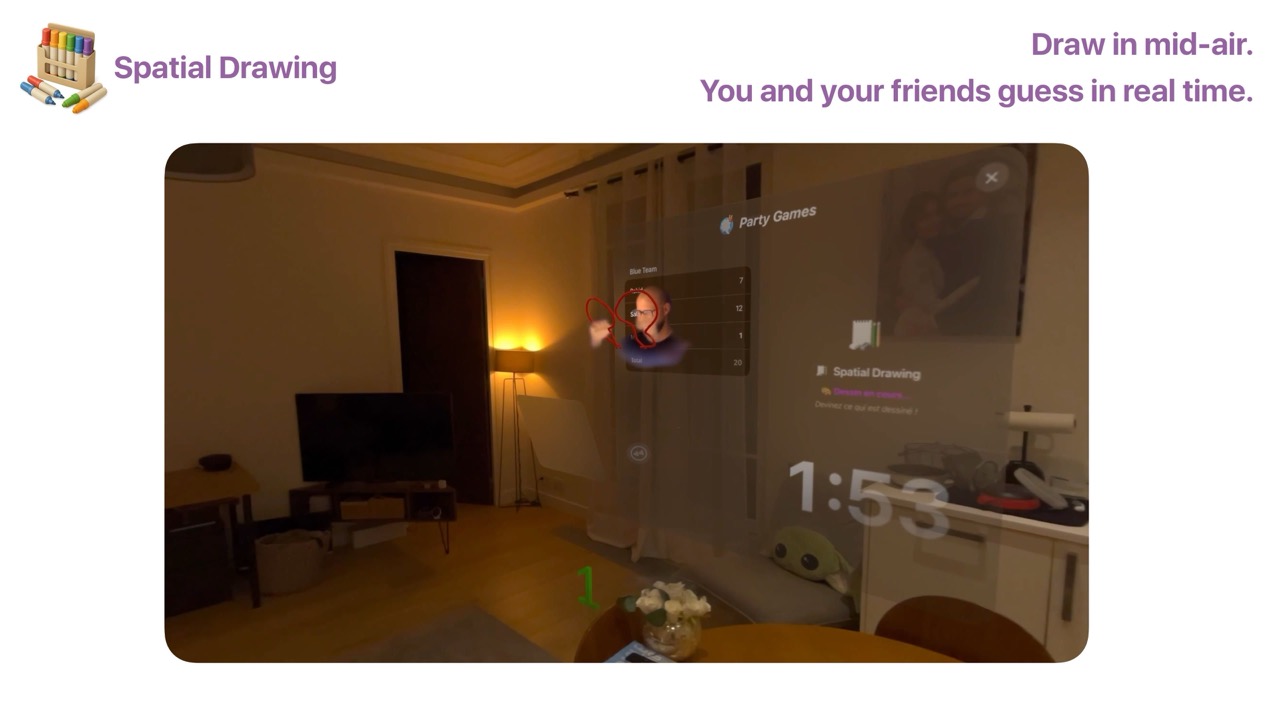
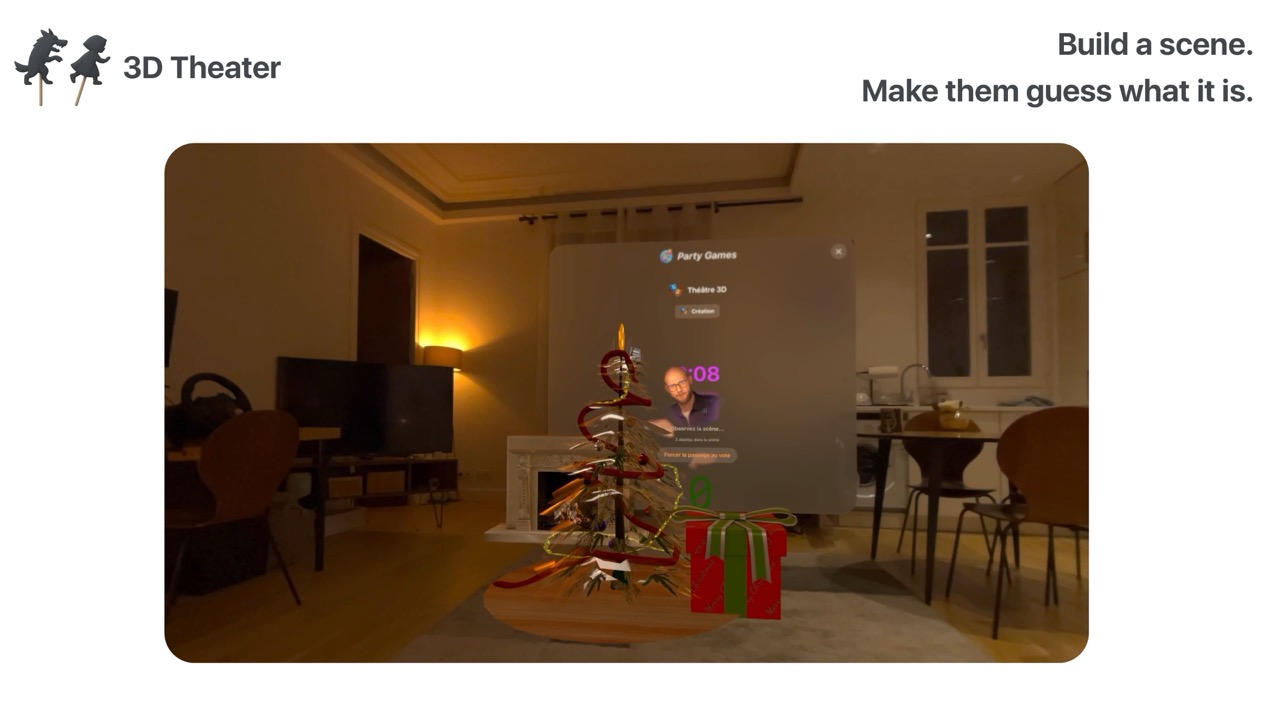
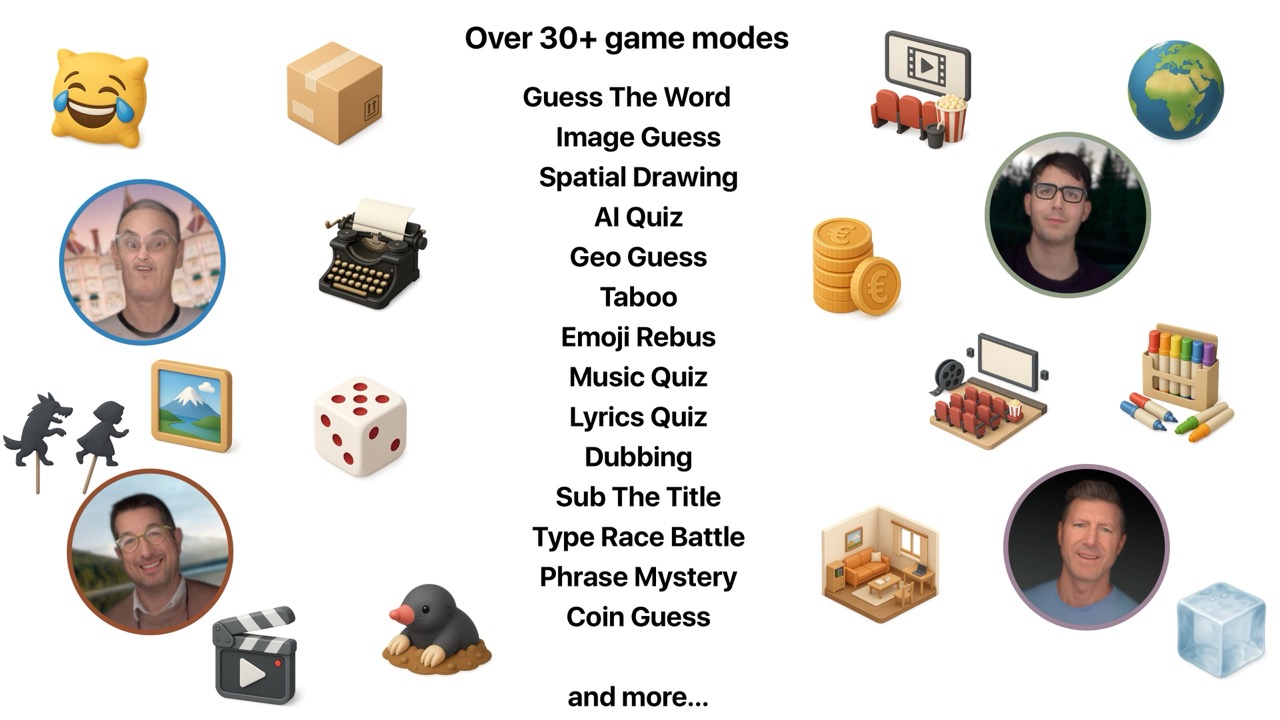
Screenshots

40 Mini-Games in SharePlay screenshot40 Mini-Games in SharePlay screenshot40 Mini-Games in SharePlay screenshot40 Mini-Games in SharePlay screenshot40 Mini-Games in SharePlay screenshot

App Preview

Turn your Apple Vision Pro into the ultimate party console! Party Games brings together 40+ hilarious mini-games to play with friends over FaceTime and SharePlay. Grab your friends and get ready for epic laughs!

NEW IN V2: Tournament Mode to crown the ultimate champion, Super Party for random games with automatic scoring, Solo Mode to practice before the party, and a brand new design.

GUESSING GAMES: Guess The Word, Image Guessing, Spatial Drawing in 3D, AI Quiz powered by Apple Intelligence, GeoGuessr in 360°, Taboo, Emoji Rebus, Wordle races, and Symbols Flash.

MUSIC & MOVIE GAMES: Music Quiz and Lyrics Quiz with 20-second clips. Dubbing lets you voice iconic movie scenes, while SubTheTitle has you creating hilarious subtitles and voting for favorites.

WRITING & ACTION GAMES: Type Race Battle royale, Phrase Mystery, F1 Reaction Time, Step Race, Math Race, Guess the Coins, Lucky Dice, Clap Challenge, Punch Power with velocity tracking, Minesweeper 360°, and Bubbles.

PUZZLE GAMES: Sudoku (competitive or collaborative), MemoFlip, Room Hunt using your real room, and Minecraft-style voxel building.

SOCIAL & DEDUCTION: Werewolf, Undercover, The Mole, Spatial Hide and Seek in mixed reality, Guess Who's Listening, Spot the Room, Who Am I?, Ice Breaker with private zones, and 3D Theatre with Sketchfab models.

HORROR: Terrifying stories with 3D effects, creatures, and jumpscares.

FEATURES: SharePlay on FaceTime, spatial personas, hand and head tracking, Apple Music integration, Apple Intelligence quizzes, and 3 languages (English, French, Spanish).

Download Party Games and turn every FaceTime call into an unforgettable party!

Developer

Are you the owner of this app?

Embed this badge and get a backlink to your website for increased visibility. Read more about the Featured Badge.


Apps for Apple Vision Dark Badge
Apps for Apple Vision Light Badge

Other apps you might like

You didn't buy a spatial computer just to use flat iPad apps.


Unlike other mind-mapping tools ported from iOS or macOS, Anamor was born in spatial computing. Built from the ground up for Apple Vision Pro, it turns your room into an infinite 3D canvas where ideas come alive.


Experience the only mind map designed exclusively for your eyes and hands, not a mouse and keyboard.


Get Started in Seconds


A guided tutorial walks you through everything, pinch, drag, and explore, the moment you open the app. Plus, a ready-made sample project lets you experience spatial mind mapping right away, no setup needed.


Native Spatial Experience


Forget 2D windows. Create, arrange, and connect ideas in a fully three-dimensional space. Anamor uses the true power of visionOS to let you think the way your brain actually works, in every direction, not just left to right.

Anamor

You didn't buy a spatial computer just to use flat iPad apps.

MenuToDo is the simple kanban task manager that lives in your Mac menu bar and syncs with iPhone, iPad, Apple Watch and Apple Vision Pro.


Your tasks are always one click away so you can manage your workflow without opening a full app or switching windows.


View your work in a clean kanban board with three columns To Do, In Progress and Done.


Drag and drop tasks to update status instantly and stay focused on what matters most.


With iCloud sync, widgets and a built in calendar, MenuToDo keeps your tasks organized across all your Apple devices while keeping your data private.

MenuToDo: Kanban Task Planner

MenuToDo is the simple kanban task manager that lives in your Mac menu bar and syncs with iPhone, iPad, Apple Watch and Apple Vision Pro.

JarVS brings multi-window VSCode to Apple Vision Pro. Open as many floating editor windows as you need, arrange them in space, and run AI coding agents in each one simultaneously.


How it works:


Install the free macOS host app: it lives in your menu bar and manages VSCode Server. Open JarVS on your Apple Vision Pro, and your macOS device appears automatically. Connect, and tap any project to open it in a new spatial window.


Built for AI-assisted development:


Create a git worktree per task. Open each in its own window. Launch Claude Code, Codex, OpenCode, Aider, or any terminal-based agent in each one. Watch them edit, refactor, test, and build features across your codebase at the same time.


Key features:
- Open unlimited floating VSCode windows.

- Remote connections: Leave your macOS (or Linux!) device at home and go work with your Apple Vision Pro.

- Git worktrees appear as separate windows. One tap to open.

- Works with any AI agent or extension that runs in VSCode or in the Terminal.

- Pin a projects widget to a wall to open it easily.

- Work on your host, continue where you left off on the Apple Vision Pro, and hop back on your host seamlessly.


Getting started takes under a minute:
- Install the macOS host app (free).

- Make sure both devices are on the same WiFi.

- Open JarVS on the Apple Vision Pro, your macOS device appears automatically.

- Browse your projects and start coding.


Requirements:
- A macOS device running the JarVS Host menu bar app.

- Both devices on the same local network.

- VS Code Server.

JarVS

JarVS brings multi-window VSCode to Apple Vision Pro.